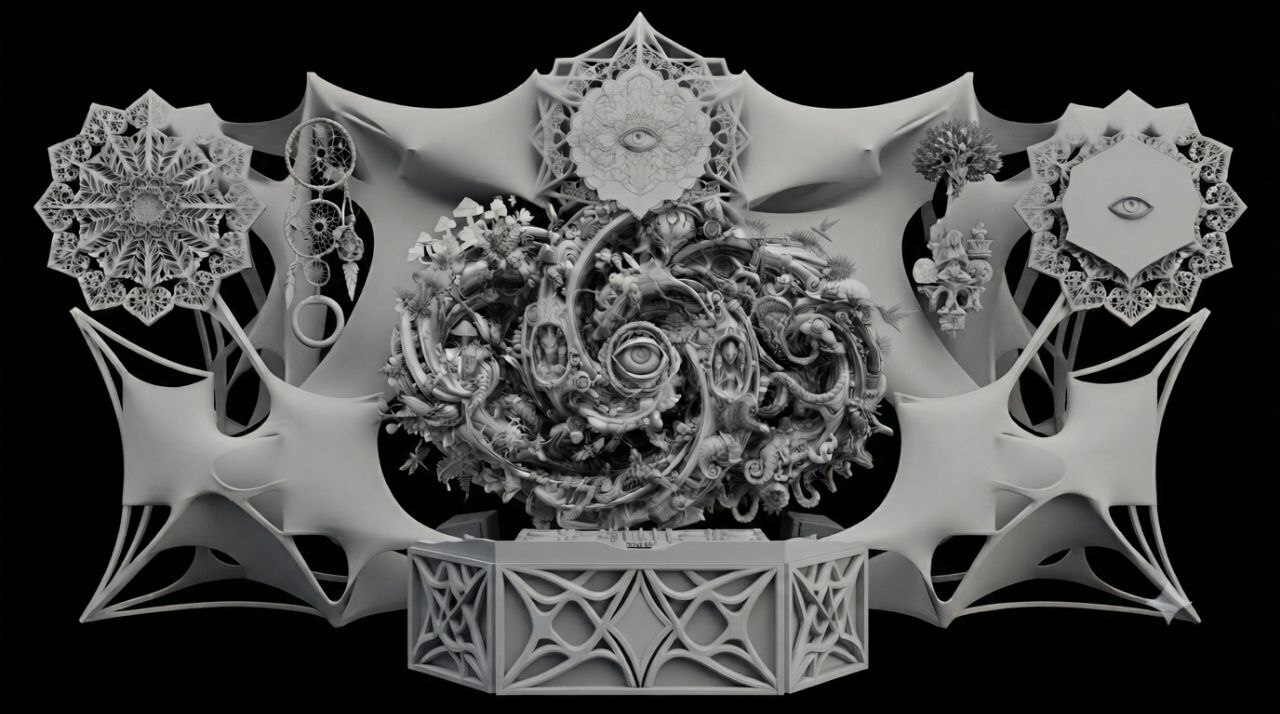
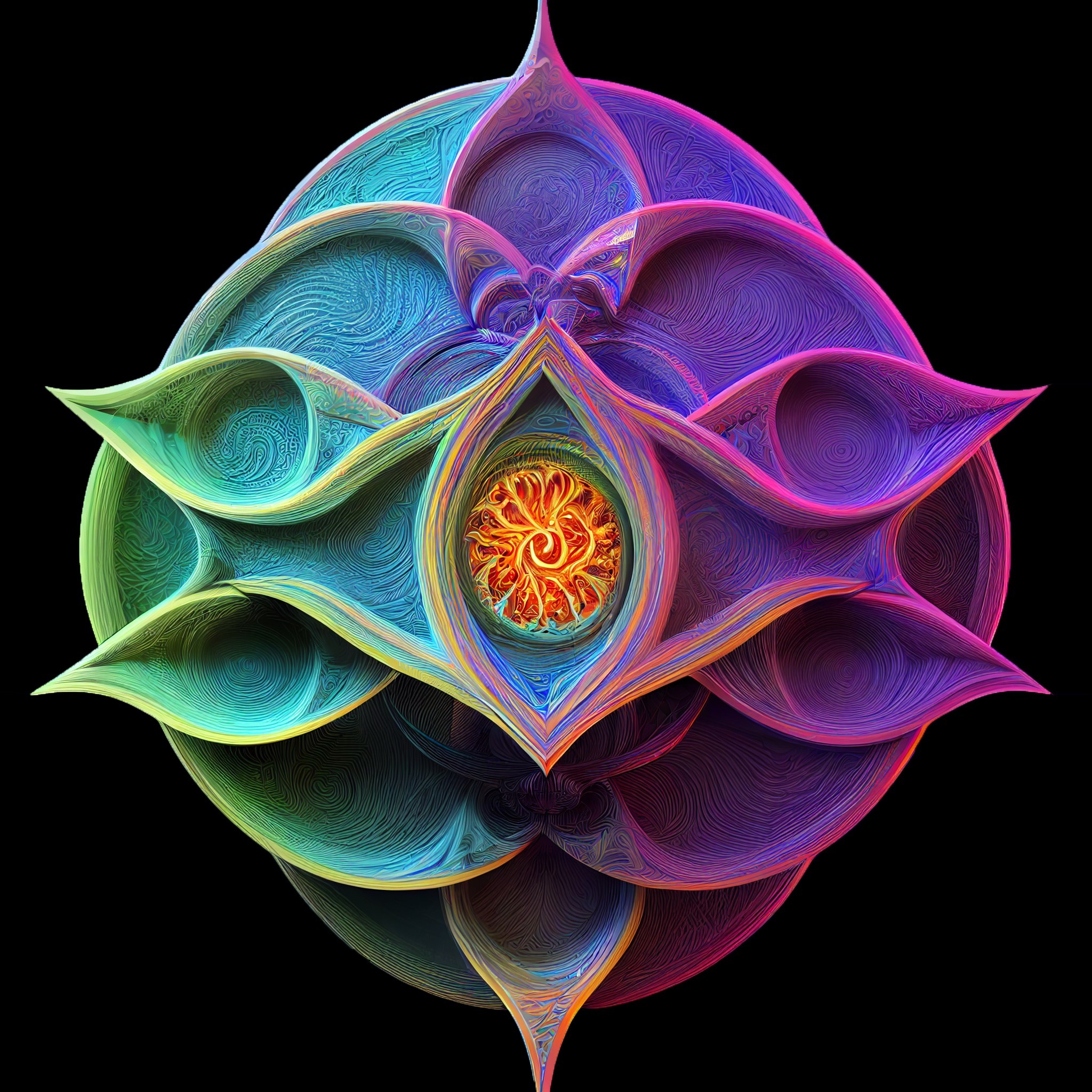
HeavyM doesnot have any native 3d mapping features other than a closed library of 3d material textures. Here are some workarounds to get a 3d mapping like effect in this amazing software.
Stacking these three techniques produces a multi-layered, pseudo-holographic 3D projection without requiring a full 3D rendering engine.
┌─────────────────────────────────────────────────────────────┐
│ LAYER 3 (Top): GLSL / ISF Shader │
│ └─ Live audio-reactive normal shading, specular highlights │
├─────────────────────────────────────────────────────────────┤
│ LAYER 2 (Middle): AI Masked Animation │
│ └─ Pre-rendered 4D internal parallax, organic flow & depth │
├─────────────────────────────────────────────────────────────┤
│ LAYER 1 (Base): HeavyM Geometry, Built-in 3D Materials │
│ └─ Physical alignment, structural relief, vector warping │
└─────────────────────────────────────────────────────────────┘
Layer 1: Structural Registration and Base Relief (HeavyM)
The base layer anchors the digital projection to the physical stage set.
Role: Acts as the physical canvas, defining boundary registration, face warping, and architectural presence .
3D Illusion Technique: Uses HeavyM’s built-in 3D Texture / 3D Materials library on Faces and Players to calculate ambient lighting, edge shadows, and surface relief (wood, metal, stone) across the structure's polygons.
Key Function: Keeps the stage frame crisp, grounded, and aligned even when complex generative animations run over it.
Layer 2: Deep Volumetric Flow (AI Video / Google Omni)
The middle layer creates the illusion of infinite interior volume and complex 4D life .
Role: Replaces static cavities and portal interiors with continuous, organic visual depth .
3D Illusion Technique: By locking the camera plate and silhouette, the AI generates internal occlusion and parallax (flora unfurling, fungal spores floating in foreground layers, nested background tunnels opening up) .
Key Function: The physical decor appears hollowed out into a deep, living ecosystem while the outer edges remain registered to the physical cutouts.
Layer 3: Interactive Real-Time Lighting (Mask-Gated ISF / GLSL)
The top layer provides live reactivity, tying the entire visual to the music and audience energy.
Role: Dynamic surface interaction, live light sweeps, strobing, and normal-map emboss effects .
3D Illusion Technique: Calculates tangent-space lighting vectors in real time across the mask's alpha or luminance bounds. Virtual point lights can sweep across the physical decor's ridges and grooves in response to audio transients or MIDI controllers .
Key Function: Prevents the projection from looking like a flat video playback loop by giving the surface reactive specular highlights and directional shadows.
To constrain a shader’s generative animation to the visible pixels of an input texture (mask, decor plate, or normal map), use the input texture's alpha channel or luminance as a gating mask in the GLSL code.
In HeavyM’s Post-Processing ISF pipeline, the input texture is sampled via IMG_THIS_NORM_PIXEL(inputImage) or IMG_NORM_PIXEL(inputImage, isf_FragNormCoord).
Step 1: Add the Masking Logic in GLSL
Open the .fs shader and locate where the final pixel color gl_FragColor is computed.
Replace the output assignment with this masking structure:
`
`
void main() {
// 1. Sample the input texture (your mask, normal map, or photo)
vec4 baseTex = IMG_THIS_NORM_PIXEL(inputImage);
// 2. Calculate mask intensity (choose Method A, B, or C below)

// Method A: If your texture has transparent PNG edges:
float mask = baseTex.a;

// Method B: If your texture is on a solid black background (Luminance mask):
// float mask = step(0.02, dot(baseTex.rgb, vec3(0.299, 0.587, 0.114)));

// Method C: Soft threshold mask (smooth edges):
// float lum = dot(baseTex.rgb, vec3(0.299, 0.587, 0.114));
// float mask = smoothstep(0.01, 0.08, lum);

// 3. Your existing generative/fractal/psychedelic shader calculation:
vec4 generatedColor = ...; // (Your shader's original visual output)

// 4. Multiply/Mix the animation strictly inside the mask:
// Option 1: Black out everything outside the mask
gl_FragColor = generatedColor * mask;

// Option 2: Retain the original texture colors and blend animation on top:
// gl_FragColor = mix(baseTex, generatedColor, mask * 0.8);
}
`
`
Step 2: Modulate Coordinate Distortion (Keep Outer Edges Fixed)
If the shader creates domain warping or UV raymarching (e.g., uv += sin(...)), warp calculations can cause the entire mask boundary to wobble.�
To animate only the interior while keeping the outer silhouette locked:
// Sample the mask at the true, unwarped screen coordinates
vec4 staticBase = IMG_THIS_NORM_PIXEL(inputImage);
float boundaryMask = staticBase.a; // or luminance of staticBase

// Compute your warped UV coordinates for the interior
vec2 warpedUV = isf_FragNormCoord + (distortionOffset * boundaryMask);

// Calculate the fractal/animation using warpedUV...
vec4 generatedColor = calculatePsyVisuals(warpedUV);

// Force the outer perimeter to remain pure black
gl_FragColor = generatedColor * boundaryMask;
Step 3: How to Apply It in HeavyM
Save the modified .fs file.
In HeavyM, create a Player mapped to the decor mask and load your mask image or video as its media source .
In the Player properties panel, click Add Effect / Shader and select the edited ISF shader .
HeavyM feeds the Player's media texture directly into inputImage .
The animation will run contained within the boundaries of the mask image, leaving empty/black space completely untouched.



Top comments (0)